Webstudio builds the pages. Inbind manages the content.
Inbind is the CMS that pairs with Webstudio giving you a familiar, Webflow-like content editing experience with powerful extras. Unlimited collections, generated fields, and full ownership of your content.
Get Started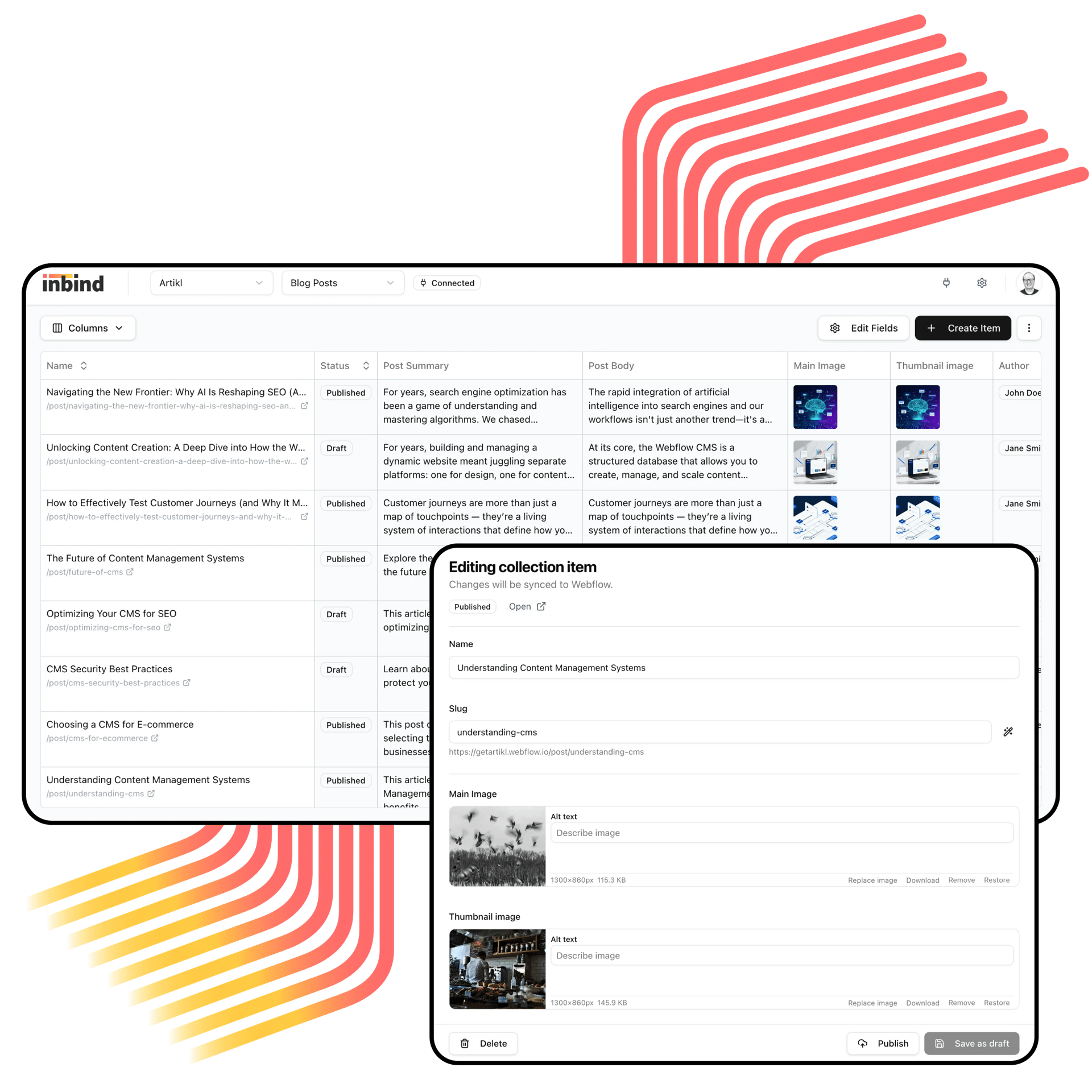
Webstudio + Inbind =
a complete content stack
Webstudio handles design. Inbind handles content. Together, they give you a full website workflow.
Webstudio is a powerful open-source visual builder, and Inbind complements it with a purpose-built CMS. If you're familiar with Webflow's content editing, Inbind gives you that same experience — posts, collections, fields, and rich text — with additional capabilities that go beyond what Webflow offers.

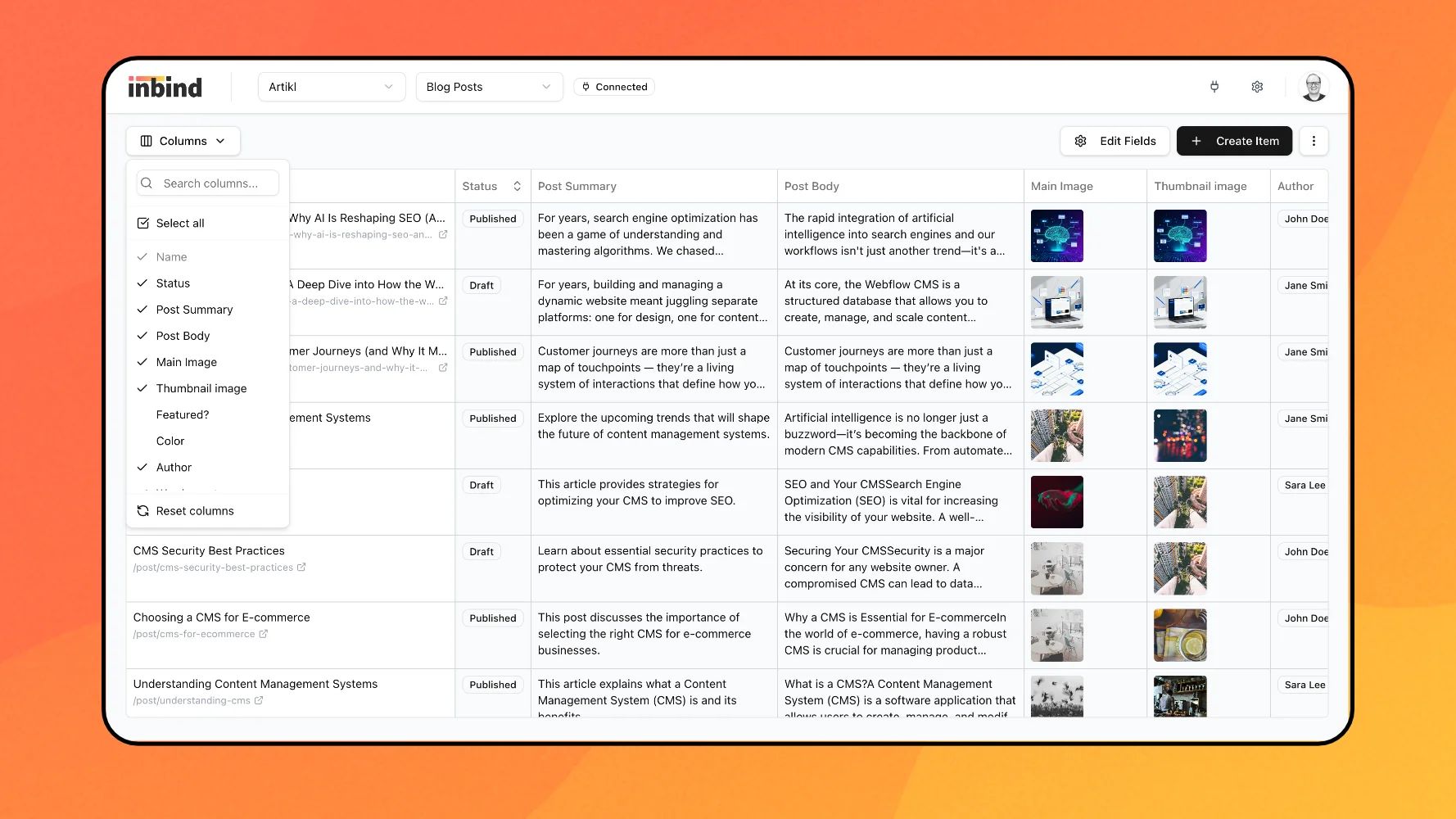
Everything in one workspace
All your collections, fields, and content in one clean editing workspace that connects directly to Webstudio.
The tools that make content work easier
Everything you liked about Webflow's CMS, plus the stuff you've been wishing it had.
Unlimited collections, no pricing tiers
Unlike Webflow, Inbind doesn't limit the number of collections based on your plan. Create as many as you need without worrying about hitting caps.
Automate the repetitive stuff
Use generated fields to compose SEO titles, descriptions, or any other field from your existing data. Set it once and stop copy-pasting.
Catch problems before they go live
Content health checks flag missing or incomplete fields before you publish. No more going live with empty metadata.
Own your content
Your content lives on your own infrastructure. No vendor lock-in, no platform dependency. Move your data anytime.
Coming from Webflow?
Migration is effortless
If you're moving from Webflow to Webstudio, Inbind takes care of the CMS side.
Bring your content with you
Import your Webflow CMS collections and items into Inbind in seconds. No manual re-entry, no waiting.
Familiar editing experience
Collections, fields, and rich text all work the way you already know. No learning curve.
Nothing gets lost
Your content structure transfers cleanly so you can pick up right where you left off.
Get set up in minutes. Really.
Connect, edit, publish. Setup takes minutes.
Connect to Webstudio
Inbind connects to your Webstudio project and syncs your content seamlessly.
Edit in one workspace
Clean editor with a complete view of all your fields.
Hit publish when you're ready
Update items and push content live without jumping between tools.
Ready to give Webstudio a proper CMS?
Connect your project, edit in one workspace, and publish when you're ready. It takes a few minutes to get started.
Frequently asked questions
Explore our frequently asked questions to learn more about what Inbind is and how it works.